
01
Dual-environment isolation
The normal environment handles daily affairs, and the secure workspace hosts sensitive business. The two environments are isolated from each other, and access is controlled by enterprise authorization policies.
SWZ Watcher integrates dual environment isolation, global remote control, screen wall, remote file and camera management, sensitive operation auditing and emergency lock control on the same platform.
 守望控制中心全部终端 128
先隔离敏感工作环境,再连接全球终端,并在风险发生时快速锁控。保护、管理与处置不再分散在多套工具中。
The normal environment handles daily affairs, and the secure workspace hosts sensitive business. The two environments are isolated from each other, and access is controlled by enterprise authorization policies.
Manage terminals distributed in different locations through computers, mobile phones, tablets or the Web, and centrally complete viewing, assistance, file and policy operations.
When equipment is lost, personnel leave, or there is a risk of leakage, you can remotely lock, shut down, or perform controlled data disposal, and keep complete audit records.
终端离开办公地点、文件异常操作、人员变化和管理权限越界,都可能让敏感数据失去控制。SWZ 从工作环境本身建立保护、可见性和处置能力。
After the computer is lost or taken away, or the storage hardware is removed from the authorized environment, it is difficult to cover all data risks by relying solely on the login password.
Headquarters, branches, stores, and outbound teams operate across regions, and there is a lack of unified vision for equipment status, desktop screens, and policy execution.
Sensitive file moves, illegal operations, and abnormal conversations are often difficult to accurately review afterwards without recording and context.
When equipment is stolen, personnel leave, or secrets are suspected of leaking, if batch locking and remote disposal are not possible, the risk window will continue to expand.
管理员可通过电脑、手机、平板或 Web 进入统一管理平台,查看设备状态、发起远控、处理文件、审批操作并执行紧急锁控。

管理员可以通过电脑、手机、平板或 Web 查看状态、发起远控、处理文件和执行紧急锁控。
不是把零散工具简单叠加,而是围绕企业工作终端,把双环境、屏幕墙、弱网远控、文件与摄像头管理、录像审计和紧急处置放进同一套权限体系。
One computer hosts two mutually isolated usage environments, allowing for clear boundaries between daily office work and sensitive business.
承载日常办公与一般操作
安全工作空间仅向获得授权的人员开放
View cross-regional terminals from one management portal, and complete preview, carousel, recording and disposal according to organization, grouping and risk status.
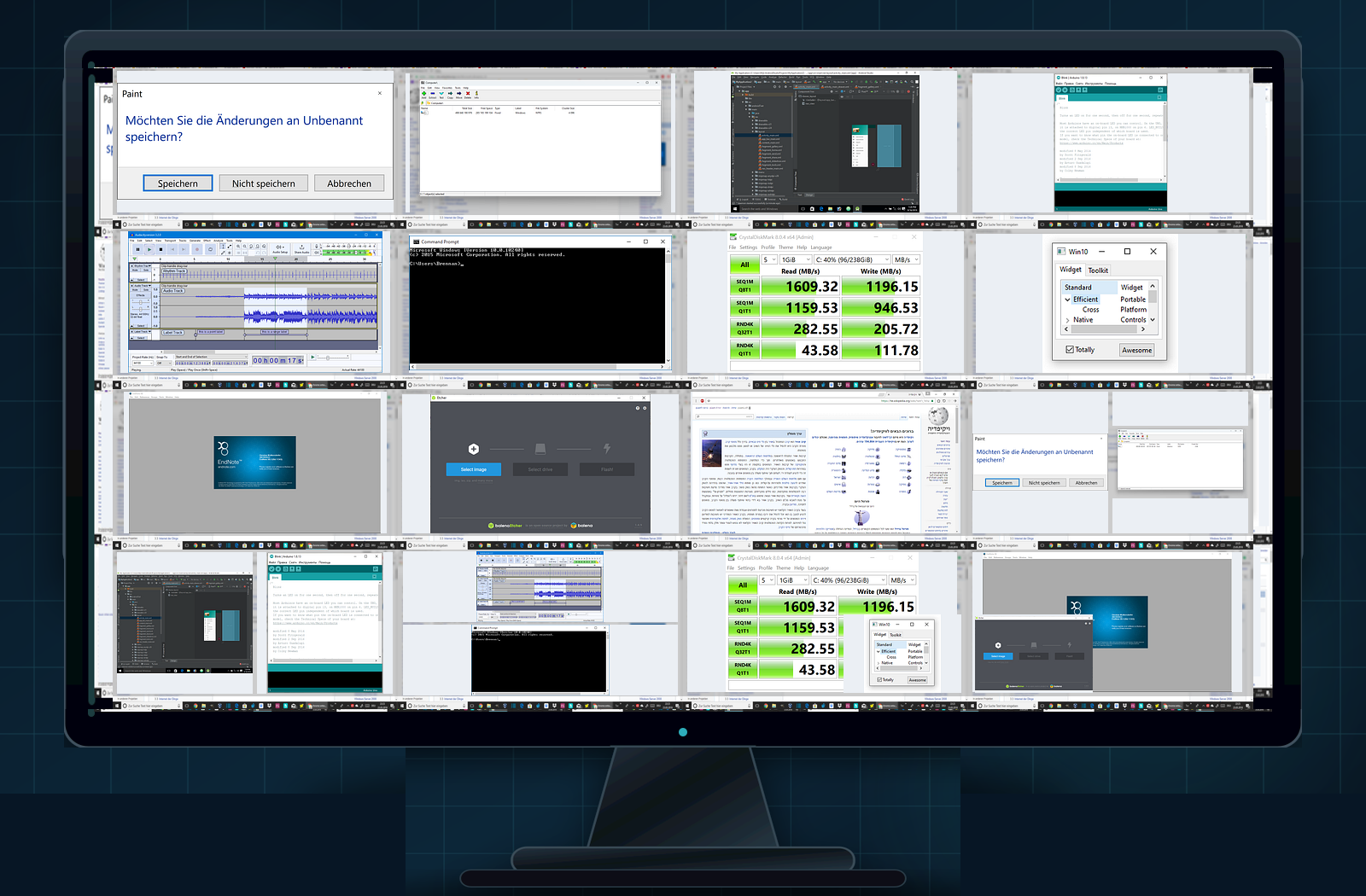
Self-developed remote desktop capabilities take into account low latency and weak network experience, and incorporate file and camera operations into the same permission system.
安全工作空间DEV-021 · 研发中心
Form a configurable and traceable emergency response link from anomaly discovery to batch locking, data processing and review archiving.
Policy or watchdog identifies risks and retains necessary context.
Quickly locate targets by organization, device and online status.
Lock, shut down or dispose of data after permission verification or approval.
Record the operation subject, object, time, cause and result.
无论快速启用、完全私有、隔离网络还是跨地域混合架构,都可以围绕现有网络、安全制度和管理规模进行规划。
Quick activation and unified maintenance by the service platform.
Deployed within enterprise-owned infrastructure and security perimeter.
Adapt to independent office networks isolated from the public network.
Flexible combination by organization, region and data level.
Independent resources and dedicated operation and maintenance boundaries.
实际部署架构、网络依赖与运维边界以正式技术方案为准。
传统云桌面、普通远控、DLP 和磁盘加密各有侧重。SWZ 更关注本机工作体验、设备失控保护、全球管理与事件处置的协同。
| Comparison dimension | SWZ Terminal Security and Remote Management | Traditional cloud desktop/VDI | Normal remote control | DLP / Endpoint Security | Single disk encryption |
|---|---|---|---|---|---|
| Main work computing power | Terminal native | Data center or cloud hosting | Terminal native | Terminal native | Terminal native |
| Local usage experience | Close to native working environment | Affected by network and host resources | Native system | Native system | Native system |
| Dual-environment isolation | Native integration | Usually not involved | Usually not available | Usually not available | Usually not available |
| Device out-of-control data protection | Core capabilities | Usually relies on data failure and access control | Usually not a core competency | Depends on product capabilities | One of the core competencies |
| Global multi-terminal management | Full integration | usually has | Partial connection management | usually has | Usually not available |
| Screen wall and carousel | Native integration | Platform or extension dependent | Some products have | Usually not a core competency | Not available |
关于使用体验、双环境、安全边界、管理员权限和部署方式,我们先给出清晰、不过度承诺的说明。
SWZ Watcher is a terminal security and remote management platform. It integrates dual-environment isolation, global multi-terminal management, screen wall, weak network remote desktop, file and camera management, desktop recording, one-click lock control and auditing capabilities on the same platform.
Product BasicsSuitable for organizations that need to protect executive, financial, R&D, legal, design and customer data. It is also suitable for IT operations, chain stores, branches, expatriate teams and customers with requirements for privatization or offline deployment.
Product BasicsProduct solutions can start with a small number of critical endpoints and scale to large-scale device clusters based on the size of the organization. The official website does not set an upper limit on the number of devices at the promotional level, and the specific capacity and resource planning will be confirmed during deployment communication.
Product BasicsA normal environment is used for daily office work, and a secure workspace is used for sensitive business. The two environments are isolated from each other, and the secure workspace is only open to authorized personnel, so that sensitive data is not directly exposed to the general use environment.
Working environmentcan provide separate environment authorization for a unified entrance according to the delivery plan, or a mode that defaults to a normal environment and allows authorized personnel to enter a safe workspace. Specific access methods and security configurations will only be explained to the appropriate personnel during formal deployment.
Working environmentEnter through the product’s preset authorization method. In order to protect the product security boundary, the official website will not display specific operations, triggering sequences or implementation details. Instructions will be provided to authorized personnel during official delivery.
Working environmentTell us your device size, network conditions and key scenarios to get product demos and deployment recommendations that fit within your organization's boundaries.