
保护
双环境隔离与离线持续保护
SWZ 守望者把双环境隔离、全球终端管理、4×4 屏幕墙、弱网远程桌面、文件与摄像头管理、录像审计和紧急锁控整合为一套企业级平台。
从敏感工作环境,到跨地点终端管理,再到风险事件处置,每一项操作都在统一身份、权限、审批和审计体系内完成。
双环境隔离与离线持续保护
电脑、手机、平板与 Web 管理
4×4 屏幕墙、轮播与录像
弱网远控、文件与摄像头管理
批量锁控、电源控制与数据处置
一台工作电脑承载两个用途清晰、相互隔离的环境。普通环境用于日常事务,安全工作空间用于敏感业务,访问方式由企业授权策略控制。
承载日常办公与一般操作
 安全工作空间
仅向获得授权的人员开放
通过电脑、手机、平板或 Web 访问管理平台,按总部、分支、门店、部门和设备分组查看状态并执行授权操作。

管理员可以通过电脑、手机、平板或 Web 查看状态、发起远控、处理文件和执行紧急锁控。
4×4 屏幕墙集中呈现多台工作电脑桌面,可按组织、部门、分组和风险状态筛选,并从预览直接进入单台终端。
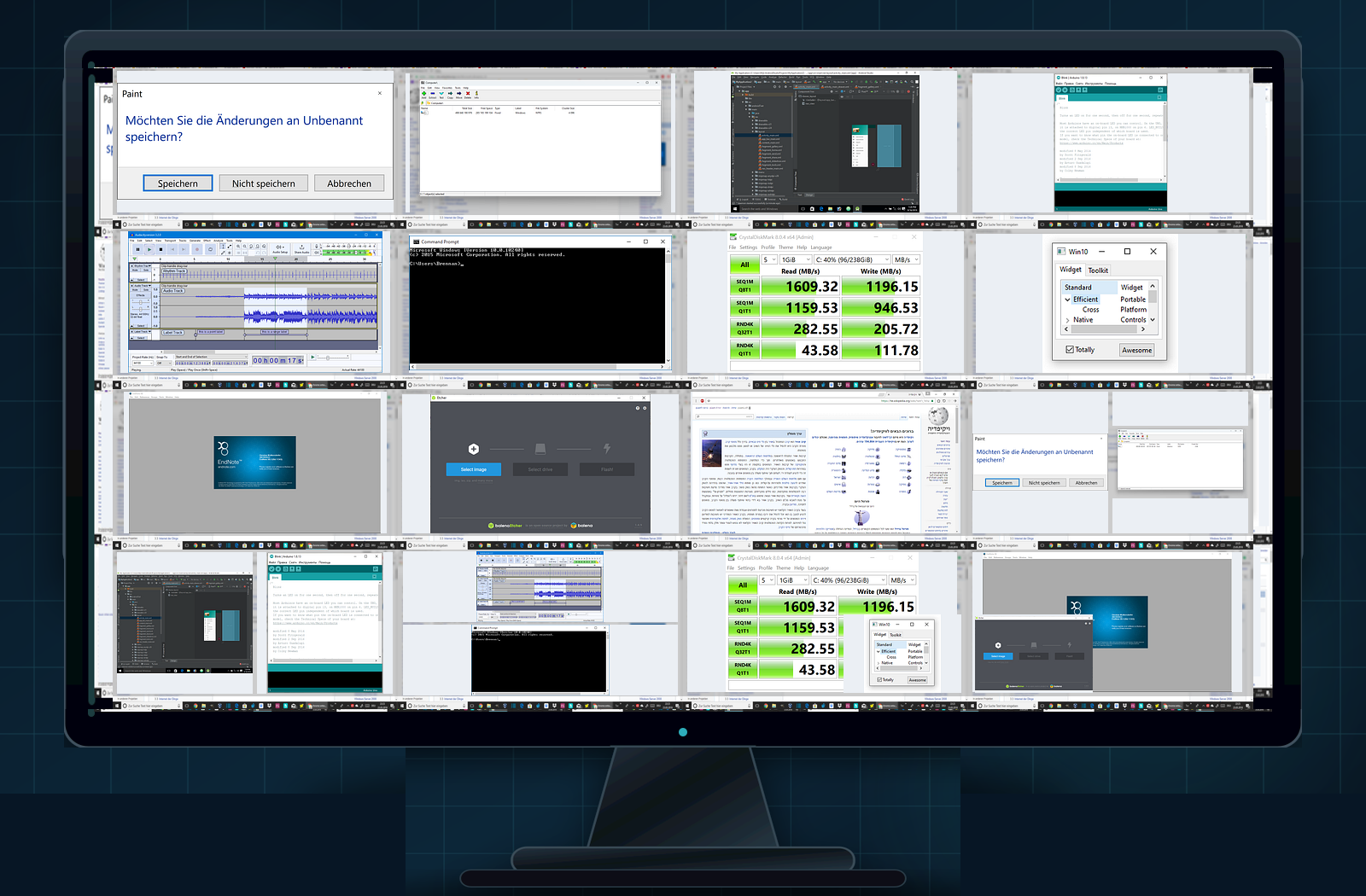
自研远程桌面能力通过差异化画面传输优化跨地域与弱网体验,并把桌面、文件、摄像头和审计放进同一会话。
安全工作空间DEV-021 · 研发中心
设备丢失、人员离职或发生疑似泄密风险时,可快速定位目标终端,执行单台或批量锁定、关机、重启与受控数据处置。
Policy or watchdog identifies risks and retains necessary context.
Quickly locate targets by organization, device and online status.
Lock, shut down or dispose of data after permission verification or approval.
Record the operation subject, object, time, cause and result.
所有能力均围绕企业自有或依法授权设备提供,并可通过管理员分权、关键操作审批和全程留痕降低管理滥用风险。
The normal environment carries daily use, and the secure workspace carries sensitive services. The two form a clear access boundary.
Work data remains protected and the device or storage hardware remains unreadable when removed from the authorized environment.
Unified management of cross-regional devices, organizations, groups and policies through PC, mobile phone, tablet or web.
View multiple computer desktops on one screen, supporting real-time preview, carousel, grouping and risk status filtering.
The self-developed remote control capability optimizes the weak network experience through differentiated picture transmission, taking into account both response speed and picture quality.
Upload, download, distribute, collect, move and delete terminal files within the scope of authorization.
View or record camera footage based on device and role authorization, and all related behaviors will enter the audit link.
Supports real-time, continuous, carousel or policy-triggered recording, retaining the necessary context before and after the event.
Quickly block access to a single or multiple devices in the event of device loss, personnel resignation, or emergencies.
Perform remote shutdown, restart, lock or connection processing according to policy to shorten response time.
Make target data inaccessible or delete target files within the scope of administrator authorization.
Data remains protected when the terminal is temporarily offline, and policies and status will continue to be synchronized after going online.
Divide administrator permissions by organization, device and operation type, and high-impact actions can enter the approval process.
Remote viewing, cameras, files and disposal actions record subject, object, time, cause and result.
产品演示可根据敏感岗位、研发保护、IT 运维、分支机构、远程团队或高保密环境进行定向展示。